



feature Languages
SlimAI Works in 7 Languages
English, French, German, Italian, Spanish, Dutch, and Arabic — the whole app, including the spoken guidance during a body scan, in the language you set.
Food is the most local thing people track. You think about meals in your own language, you name dishes the way they are named where you live, and you read a calorie figure faster when the label around it is not a second language you translate on the fly.
SlimAI Calorie Tracker runs in seven languages so tracking happens in the language you think in rather than the one the app happened to ship in. Eat smarter, not stricter.

3-day free trial · Cancel anytime · No card charged during trial
Last updated
In the app
How Languages looks
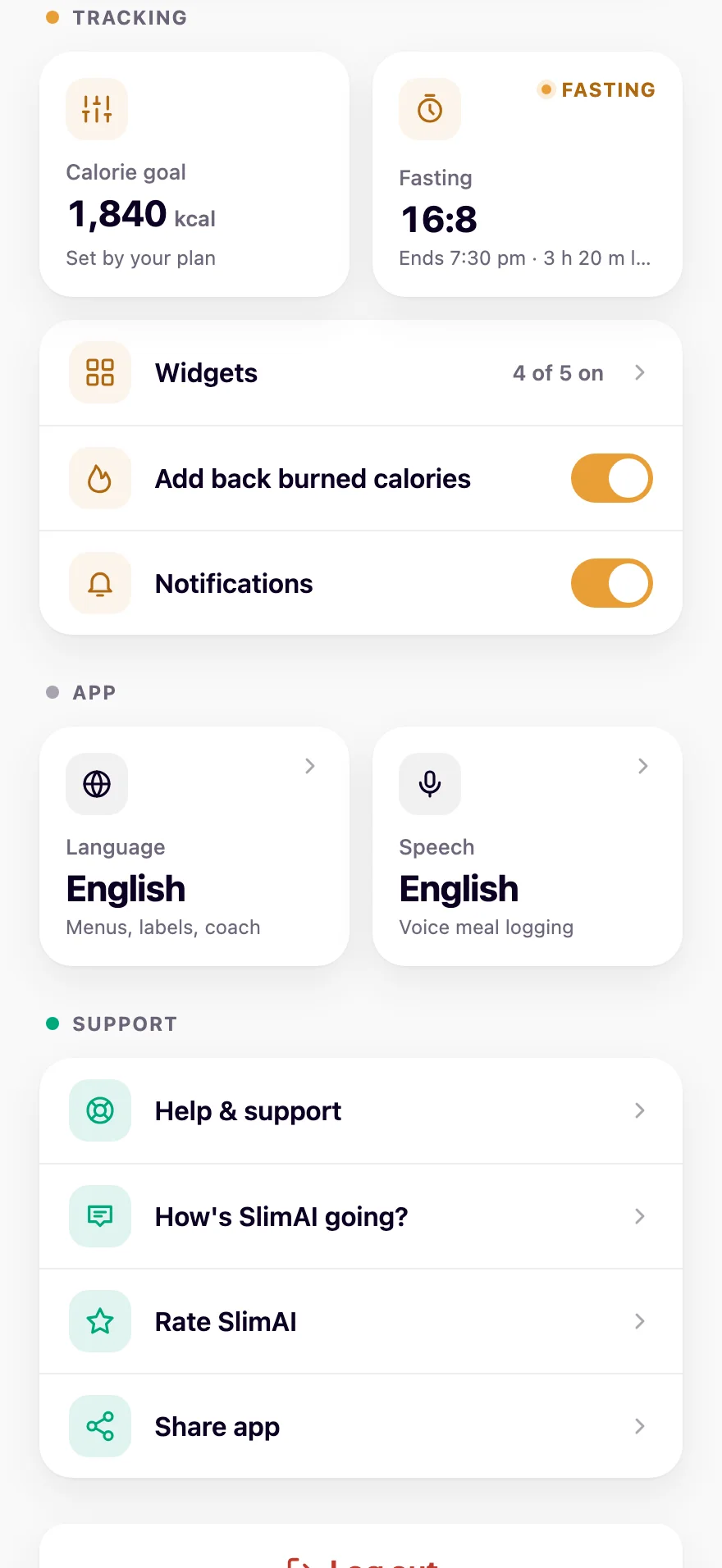
1 · Language, voice, notifications and goals in one place 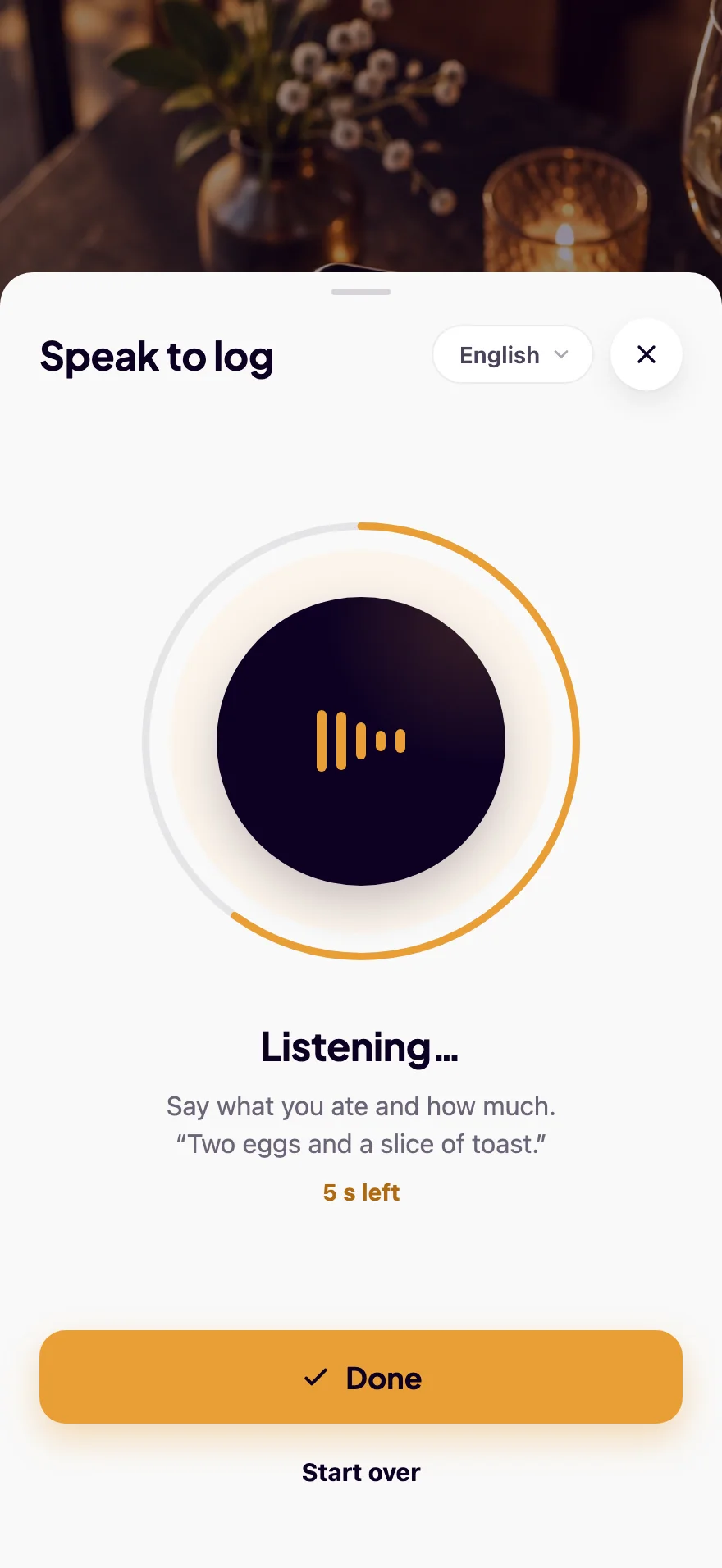
2 · Say what you ate, in your own words 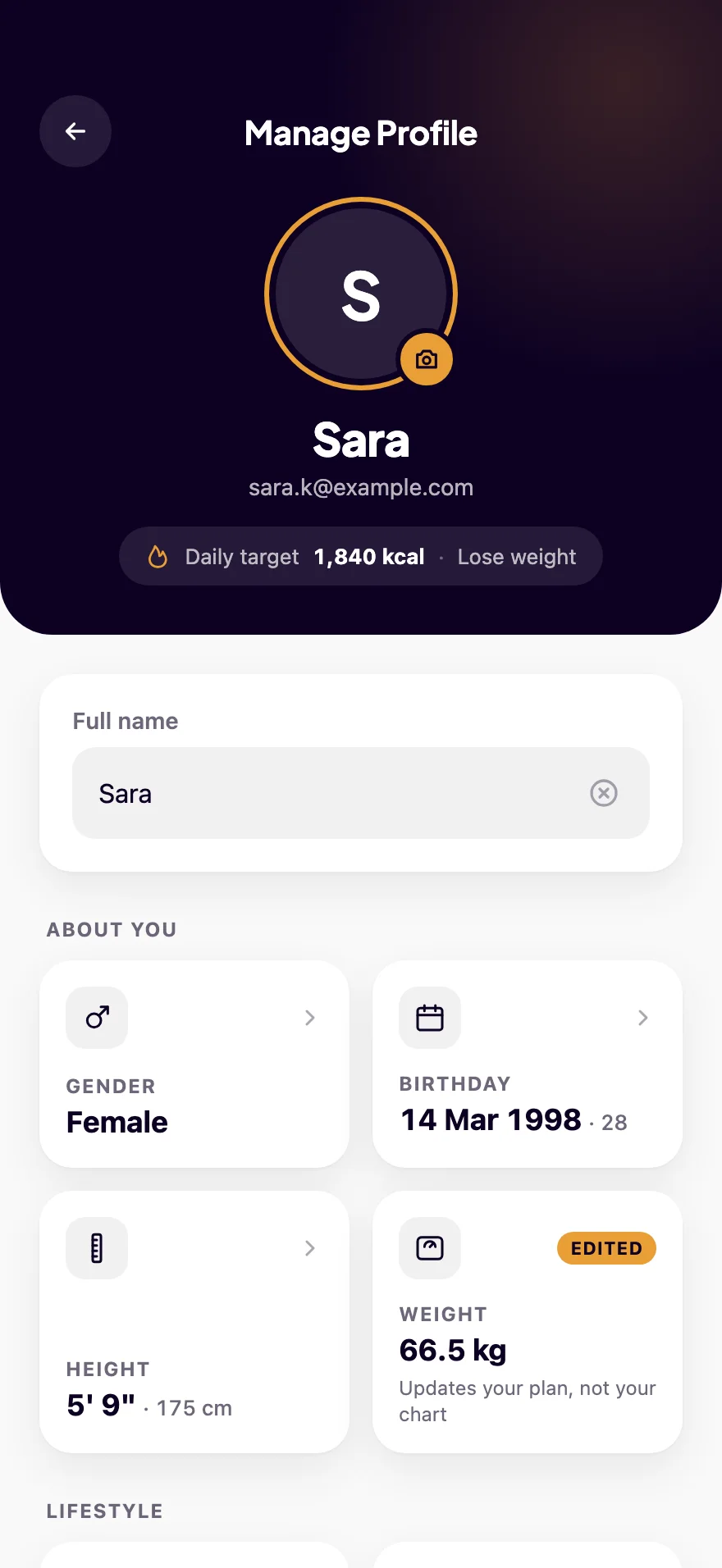
3 · The answers behind your target, all editable
The Seven Languages SlimAI Supports
Language is a setting in the More tab, so you choose it once and every screen follows.
English
The default interface language, used across the app and in the in-app Sources & References screens.
French — Français
Full interface translation, including the daily dashboard, food detail screens, fasting, and progress views.
German — Deutsch
Full interface translation across logging, statistics, fasting and water, and body assessment.
Italian — Italiano
Full interface translation, including onboarding, goals, and the food detail breakdown.
Spanish — Español
Full interface translation across every logging path and every review screen.
Dutch — Nederlands
Full interface translation, including diet plans, workouts, and progress tracking.
Arabic — العربية
Full interface translation, so the app can be used in Arabic rather than only through an English interface.
What Being Translated Actually Covers
Partial localisation is common and frustrating: menus translated, everything that matters left in English. SlimAI translates the parts you read while making decisions, not only the navigation.
Setup and goal selection
Body type, activity level, preferred diet, health details, and target weight are all presented in your language, so the answers shaping your plan are answers you understood.
The daily dashboard
Calories eaten, goal, burned, macro progress, and per-meal statuses read in your language on the screen you open most.
Food detail screens
Ingredient breakdowns, serving guidance, the food health rating, and nutrition rows are localised, including the warnings that appear when a portion would exceed your goal.
Fasting, water and progress
Fasting plan descriptions, water tracking, streaks, and statistics labels all follow the language you set.
Spoken body scan guidance
During an AI Body Assessment you stand metres from the phone, so the app speaks its positioning instructions aloud — and it speaks them in your language rather than defaulting to English.
One setting, whole app
Language lives in the More tab. Change it once and every screen, sheet, and dialog follows without reinstalling or resetting your data.
Why Language Matters More in a Food App
Calorie tracking is a habit, and habits break at friction points. Reading a second language is a small friction repeated several times a day, which is exactly the kind that accumulates.
It also affects accuracy. Dish names are cultural — the same plate has different names in different places, and describing what you ate is far easier in your own words. Voice logging and the Fix Results field both work better when you are not translating a meal before you can log it.
And it changes who can use the app at all. A household where one person tracks comfortably in English and another does not is a household where only one person tracks. Seven languages exist so the app is usable across the regions where people actually want it, not only where English is assumed.
Setting Your Language
Language is a profile preference rather than something buried in system settings or fixed at install time.
Open your profile
The Language option sits with your other preferences, next to speech and notification settings.
Pick from the seven supported languages
Selecting a language applies it immediately across the app.
Your data stays put
Switching language changes the interface, not your logs, goals, streaks, or history.
Change it whenever you like
There is no penalty for switching back and forth — useful if you learned the app in one language and prefer another day to day.
FAQ
Questions, answered
What languages does SlimAI support?
SlimAI Calorie Tracker works in seven languages: English, French, German, Italian, Spanish, Dutch, and Arabic. Language is a setting in the More tab, so you choose it once and the whole interface follows.
Is the whole app translated or just the menus?
The interface is translated across the screens you actually use — setup and goal selection, the daily dashboard, food detail screens with their ingredient breakdowns and portion warnings, fasting and water, statistics, and body assessment. The spoken guidance during a body scan is also localised rather than defaulting to English.
Does SlimAI speak my language during a body scan?
Yes. Because you stand several metres from the phone during an AI Body Assessment, the app gives positioning instructions aloud, and it speaks them in the language you have set rather than in English.
How do I change the language in SlimAI?
Open your profile and choose Language from your preferences, then pick one of the seven supported languages. The change applies across the app immediately, and your logs, goals, streaks, and history are unaffected.
Can I use SlimAI in Arabic?
Yes. Arabic is one of the seven supported interface languages. The app switches to a native Arabic typeface rather than falling back to Latin fonts, and dates are written in Arabic too.
Eat what you love.Stay on track anyway.
Log any meal, any way. Get instant calories and macros. Build the habit that sticks.
Free 3-day trial, then $7.99/month or $29.99/year. Cancel anytime.